
 GistVibes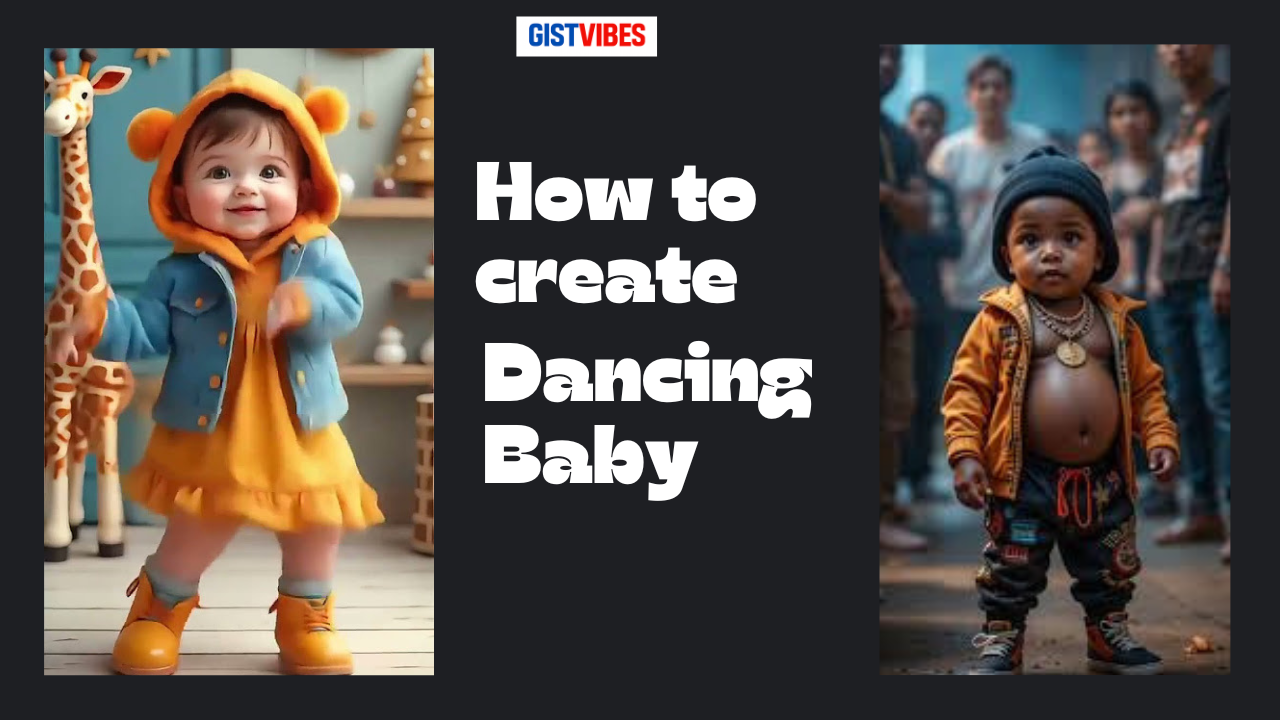
Table of Contents
AI dancing baby videos are everywhere on TikTok and Instagram Reels right now. People aren’t just using babies either, they’re making Tinubu, Trump, or any president do the same trending dance moves, then posting them as short, funny clips.
This post shows how to make your own AI dancing baby video for free to start with, then sync it to a trending sound without risking copyright on YouTube (mute the audio while you work, add the sound later on TikTok).
Step 1: Pick a dance video to copy (your “motion reference”)
Find the right TikTok clip
Open TikTok and search for a dancer whose moves you want to copy (the video shows creators like Soft Maiden and Purple Speedy as examples).
Look for a clip where the dancer:
- faces the camera clearly
- stays mostly in one spot
- isn’t moving in and out of frame
That makes it easier for the AI to follow the steps.
Download, mute, and crop the video
Tap Share on TikTok, then Save video to your phone.
Before using it in your AI tool:
- mute the sound (to avoid copyright issues while editing)
- crop so the dancer is larger in frame
- trim it down to the main dance section
Keep it short, because long clips can reduce accuracy.
Step 2: Get a clean baby image to animate
You need a strong starting image. If you’re using an existing baby character from a video or advert:
- Pause where the baby is standing straight and facing forward.
- Take a screenshot.
- Crop it tightly so the character is clear.
The goal is “similar style”, not copying the exact image.
Step 3: Use ChatGPT to write prompts for consistent baby characters
Upload your screenshot into ChatGPT (or describe it), then ask for prompts like:
“Give me three different prompts to create this kind of image with different outfits, but make the character the same.”
If you want to direct the style, add details like “African outfits”, or keep it general with “different outfits”.
You can also write your own prompt from scratch, like a baby dancing to Afrobeats, and ask for a 3D pixel style look.
Example prompt tweaks (quick and practical)
If one prompt says “hair puffs” and you want a new look, change it to long braided hair. Small edits like hair and outfit help you keep the same character while making fresh versions.
Step 4: Generate the baby images (set the right size)
In your image generator, start with “Create me an image…” then paste the prompt.
Set the size to 9:16 so it fits TikTok and Reels. Generate a few options, then save the one you like best to your camera roll.
Step 5: Make the baby dance in Kling AI (Motion Control)
Open Kling AI (the video refers to it as Cling AI). Register with your email. You may get free usage at first, then it becomes paid later.
Go to:
- AI Video
- Motion Control
Then:
- Upload your baby image (Upload only).
- Add your motion reference video (Add motion video).
Make sure the reference video shows as selected (highlighted in green).
Step 6: Use the prompt that forces accurate copying
Paste this prompt (you can reuse it every time):
“The character in the uploaded image should replicate the exact movement, expression, and steps shown in the reference video.”
Click Generate (the video shows 120 coins), then wait for it to render (about 8 minutes in the example).
If the result glitches, regenerate. Sometimes it takes 2 or 3 tries.
Step 7: Sync it to the trending TikTok sound
Once your AI dance video is downloaded:
- Go back to TikTok and open the original dance clip.
- Tap the spinning sound icon (black circle).
- Select Use this sound.
- Tap Upload, choose your AI video, align it to the beat, then post.
Final
That’s the full workflow: generate a baby character, copy a real dance using Motion Control, then post using the original TikTok sound. The biggest difference in results comes from a clear reference clip and a clean, front-facing image. If you want to post often, budget for a paid tool later, even a small monthly amount can help. Keep experimenting until your AI dancing baby matches the vibe of the trend.
Have any thoughts?
Share your reaction or leave a quick response — we’d love to hear what you think!
-
 0
0 - 0
- 0
- 0
- 0
- 0


