
 GistVibes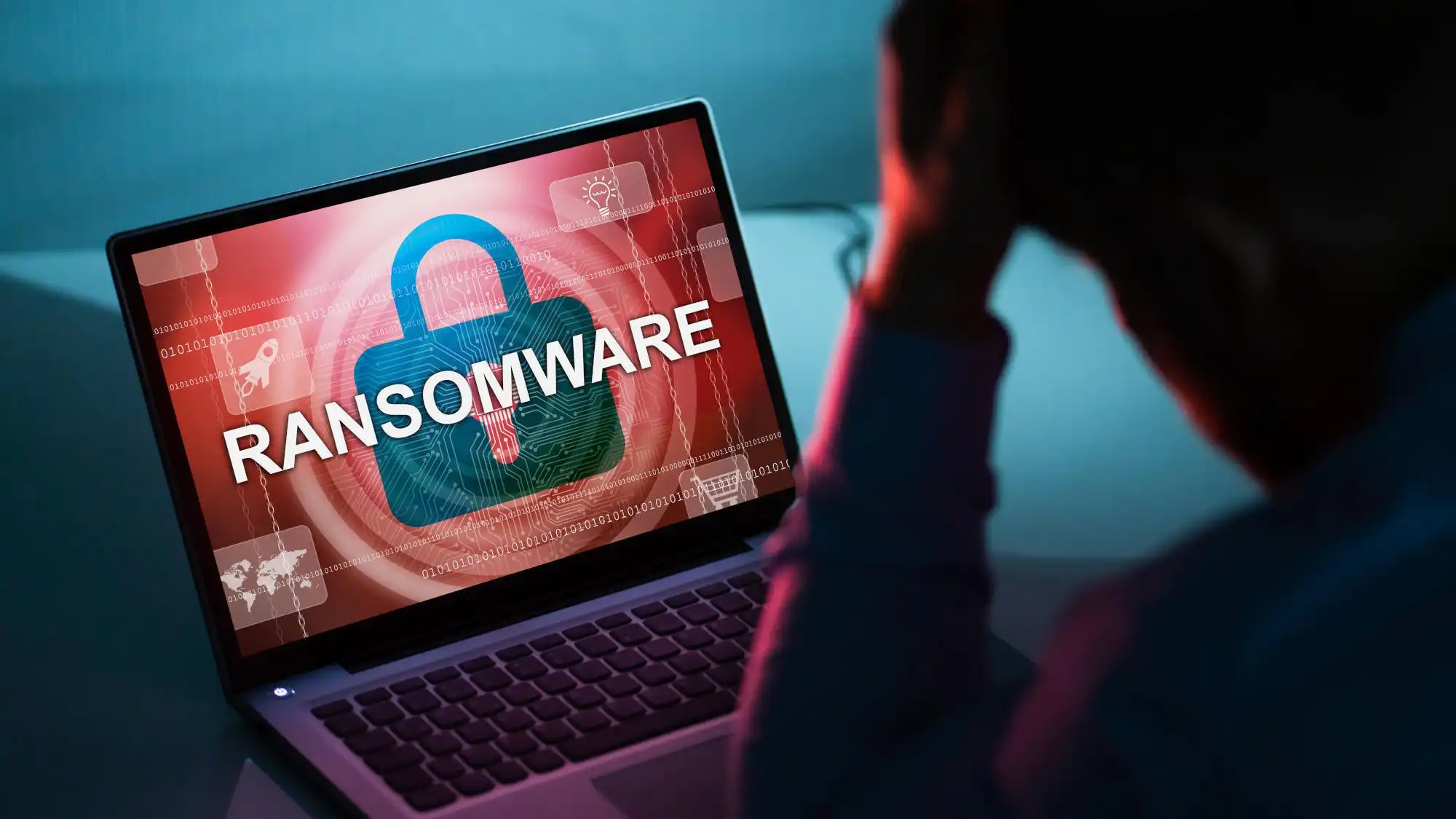
First, many people hear about ransomware when a device suddenly stops working as expected. Files will not open. A message appears saying access has been blocked. Sometimes photos, documents, or work files seem to disappear all at once.
For individuals, this often feels confusing and frightening. For small businesses, it can bring daily work to a halt. The common reaction is surprise, because the problem usually appears without warning.
What ransomware actually is
Ransomware is a type of digital attack where access to files or systems is deliberately blocked. The attacker then demands payment in exchange for restoring access.
Instead of stealing data immediately, ransomware focuses on denying access. Files are locked so the owner cannot use them. In many cases, the data is still there, but it is unreadable without a special key controlled by the attacker.
The demand is usually framed as urgent, creating pressure to act quickly.
How ransomware reaches people in everyday use
Ransomware often enters systems through ordinary actions. A file is downloaded and opened. A link is clicked in a message that looks legitimate. An update prompt appears and is accepted without much thought.
It can also spread through outdated software that has known weaknesses. Once inside a device or network, the ransomware begins locking files, sometimes quietly at first.
This is why ransomware often feels sudden. The entry point may have happened days earlier.
What happens during a ransomware attack
Once ransomware activates, files may become inaccessible one by one or all at once. File names may change, or messages may appear explaining that access has been restricted.
In some cases, attackers also copy data before locking it. This adds pressure, as victims fear both loss of access and exposure of information.
Even paying the demand does not always restore files. There is no guarantee the attacker will cooperate, which is why ransomware creates lasting uncertainty.
How ransomware affects everyday users
For individuals, ransomware can mean losing personal photos, documents, or years of saved information. For small organizations, it can interrupt operations, delay services, and damage trust.
Beyond data loss, the emotional impact is significant. People feel powerless when their devices no longer respond to them. The sense of losing control is often as damaging as the technical problem itself.
Common misunderstandings about ransomware
One common misunderstanding is that ransomware only targets large organizations. In reality, individuals and small groups are often targeted because they are less protected.
Another assumption is that ransomware always spreads through obvious malicious behaviour. In many cases, it spreads through actions that seem normal at the time.
Some people also believe that paying guarantees recovery. This is not always true, and payment can sometimes lead to further demands.
How people protect themselves in practice
Protection against ransomware focuses on reducing exposure rather than relying on a single solution.
Keeping regular backups of important files is one of the most effective protections. When backups exist and are stored separately, locked files do not mean permanent loss.
Updating devices and software helps close known weaknesses that ransomware uses to enter systems. Delaying updates increases exposure over time.
Being cautious with unexpected messages, links, and file downloads reduces the chance of accidental entry. Slowing down before opening unfamiliar content makes a real difference.
Limiting access on devices also matters. Not every account needs full control, and reducing permissions can limit how far ransomware spreads if it enters.
Why this matters now
Digital files now hold personal memories, work output, and essential information. As reliance on digital storage grows, the impact of losing access becomes more serious.
Ransomware exploits this dependence by targeting availability rather than secrecy. Understanding how it works helps people see why everyday habits play such a large role in protection.
This is not about fear, but about awareness of how digital risks fit into daily routines.
Final
Ransomware is a form of attack that blocks access to data and demands payment for its return. It often enters through ordinary actions and creates pressure by denying access rather than stealing information outright. Protection depends largely on regular backups, timely updates, and cautious digital behaviour, all of which reduce the impact if an attack occurs.
Have any thoughts?
Share your reaction or leave a quick response — we’d love to hear what you think!
-
 0
0 - 0
- 0
- 0
- 0
- 0


